


IPECS Business Communication Features
Introducing iPECS: Smarter Business Communication
iPECS is a flexible, feature-rich communication platform designed to help businesses stay connected, wherever they work. From seamless call management and mobile integration to personalised home screens and Microsoft Teams connectivity, iPECS simplifies and enhances daily communication. On this page, we’ll explore some of the key features and benefits that make iPECS the ideal solution for modern businesses looking to improve efficiency, customer service, and remote working capabilities.
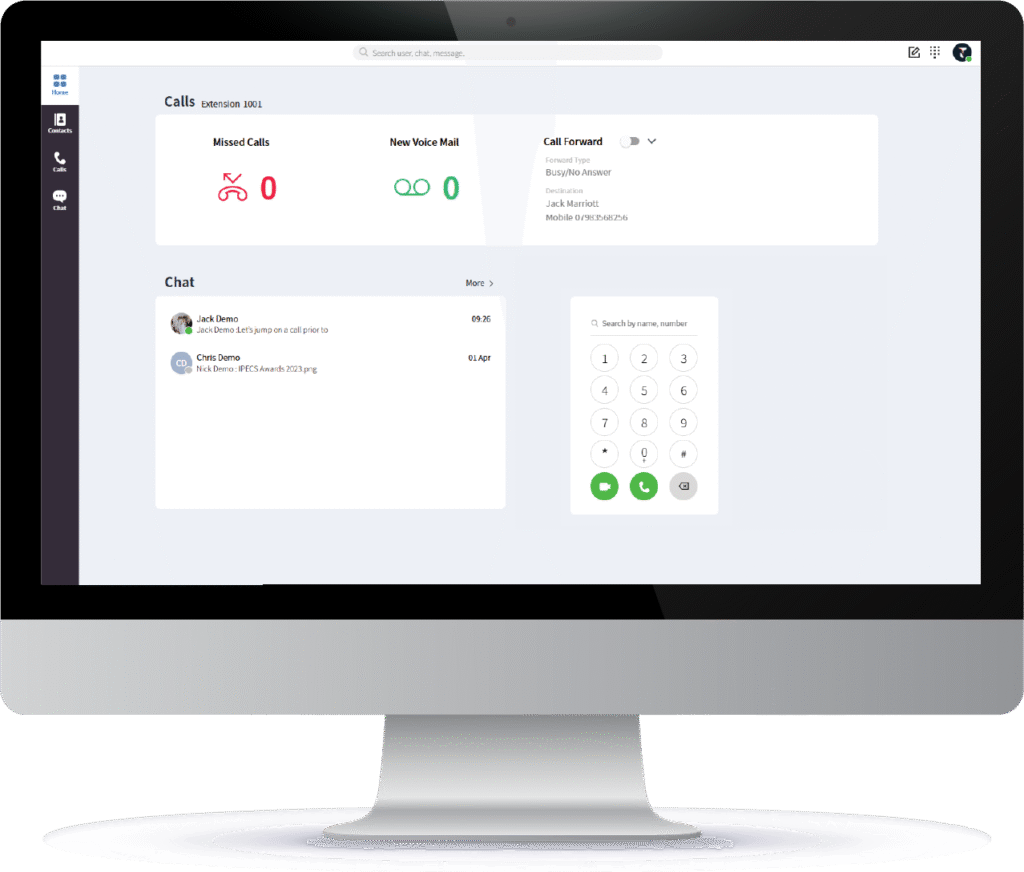
Your Homescreen
You can customise your iPECS home screen by adding shortcuts to frequently used features like contacts or call transfer, setting up widgets for quick access to call logs and voicemails, and adjusting themes and layouts to match your preferences. This helps you work more efficiently by keeping key tools and information right at your fingertips.
iPECS One
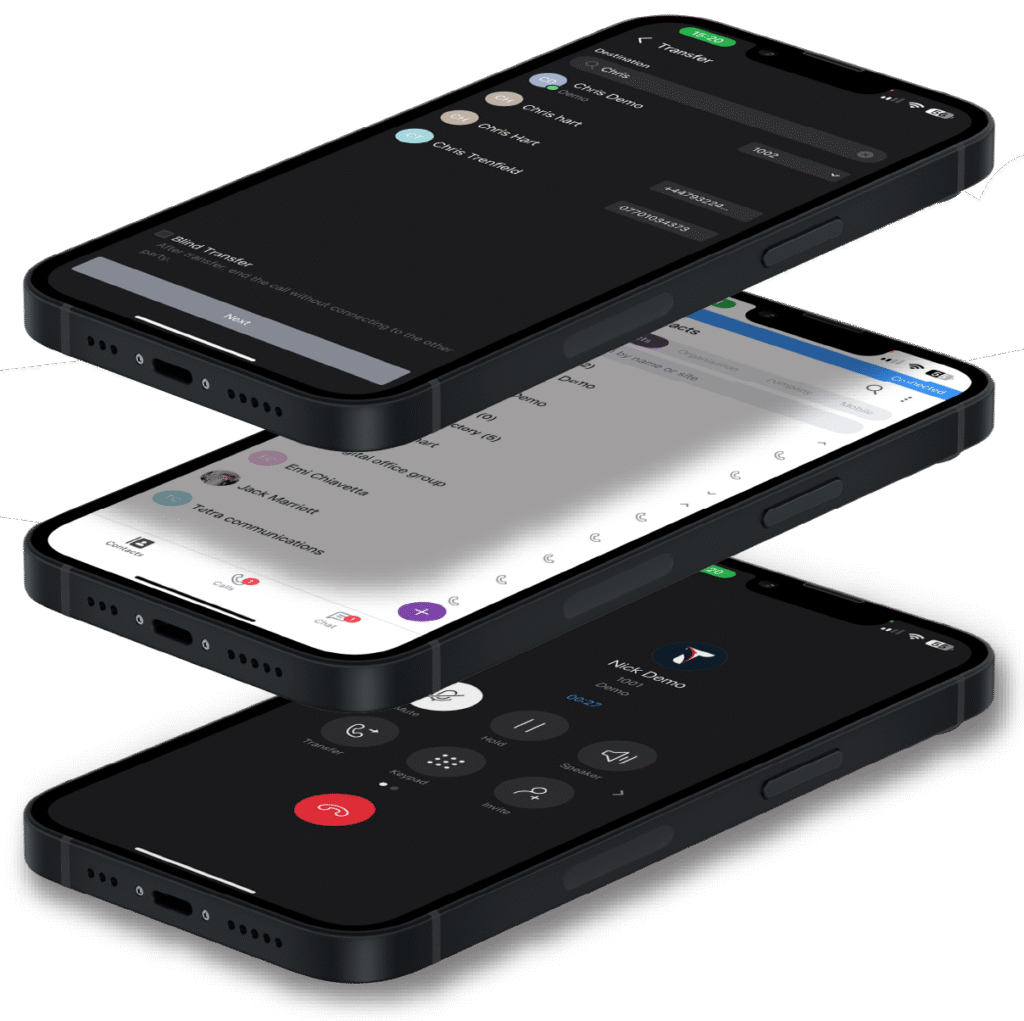
iPECS ONE allows you to make, receive, and manage business calls directly from your mobile device using a simple app or browser, delivering full office phone system functionality to your smartphone.

Place a call on hold and pick it up on any extension.

Add another person into an active call.

Start recording a phone call instantly.

Pass a call to another extension or external number.
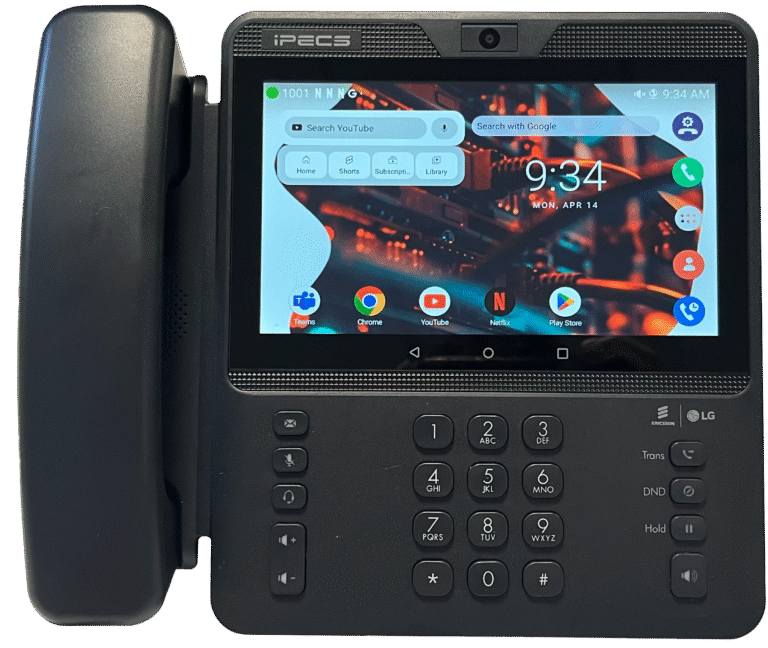
Personalise Your Handset
You can customise your iPECS handset by adding widgets and apps from Google Play, making it quicker and easier to access the tools you use most. You can also upload custom backgrounds or company logos to create a professional, branded experience.
iPECS Anywhere
Prefer communication via mobile? ANYWHERE is a smart SIM that transforms your mobile device into your business phone. It makes your mobile an extension of the iPECS platform. No app or data needed, because calls route over the mobile network rather than relying on 4G/5G.
How would ANYWHERE suit my business?
ANYWHERE is perfect for people who need to stay connected wherever their work takes them — on the move, in warehouses, facilities, or remote roles without a desk phone.
Will I need to change my mobile device?
In most cases, no. ANYWHERE works with physical SIMs and eSIMs, so you can have two numbers on one device. Just ensure your phone supports eSIM if you want that option.
Can I keep my personal number and still use ANYWHERE for work?
Yes. Run personal and business numbers on the same device (SIM + eSIM or dual eSIM on supported phones) and keep calls separate.
Frequently Asked Questions
Can we keep our existing phone numbers?
Yes. We can port your current numbers to iPECS and set up call flows so there’s no downtime for customers.
Does iPECS integrate with Microsoft Teams?
Yes. iPECS offers direct integration for presence and calling alongside enterprise‑grade telephony controls.
Cloud, on‑premise or hybrid — which deployment should we choose?
It depends on resilience, control and connectivity needs. We’ll recommend the right option after a short discovery call.
Is call recording available and compliant?
Yes. iPECS supports on‑demand and policy‑based recording with retention controls to help you meet compliance needs.
What devices are supported?
IP desk handsets, DECT cordless, certified headsets and the iPECS One softphone for browser and mobile.
How long does installation take?
Most SME deployments complete in days, depending on site complexity, number porting and any cabling or handset rollout.
Do you provide training and ongoing support?
Yes. We provide user and admin training, plus UK support and maintenance with remote monitoring.
What connectivity do we need?
Reliable internet for SIP services and the softphone. For mobile‑first teams, iPECS Anywhere uses the mobile network.
Talk to our team
Ivanhoe Business Park, Ashby de la Zouch, LE65 2AB · 01530 414 409