


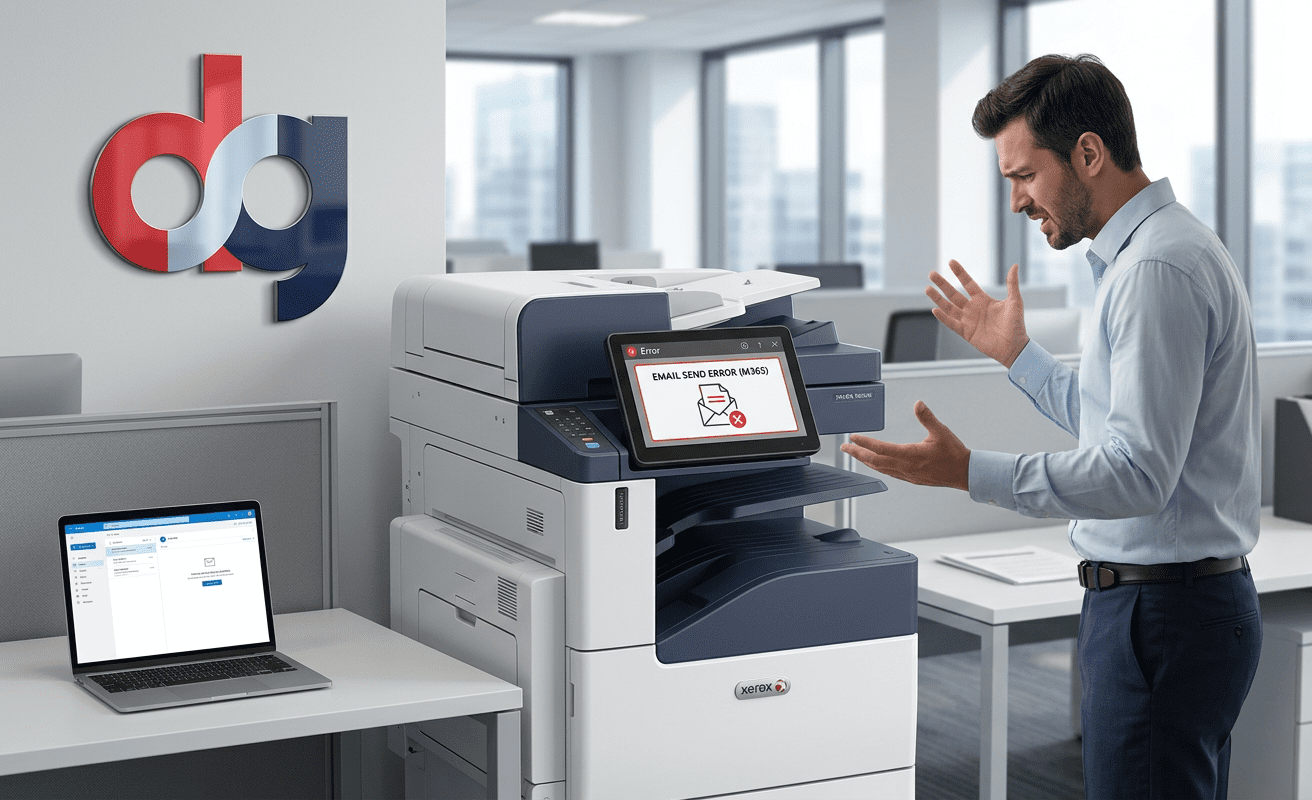
19 Jun Photocopier, Printer or Scan to Email Not Working?
Microsoft 365 Scan to Email Problems?
Has your office copier, printer or multifunction device stopped sending scanned documents by email? Microsoft 365 security changes could be the reason.
Book a Free Scan to Email Health CheckHas Your Office Printer Stopped Sending Emails?
If your office photocopier or multifunction printer has suddenly stopped sending scanned documents by email, you are not alone. Many businesses using Microsoft 365 are now experiencing Scan to Email problems due to changes in email security and authentication.
In most cases, the printer itself is not broken. The issue is usually caused by older SMTP settings, outdated authentication methods, firmware limitations, or Microsoft 365 security settings that need updating.
Common Scan to Email Problems
- Scan to Email has suddenly stopped working
- Printer says “sending” but no email arrives
- SMTP authentication failed
- Microsoft 365 password rejected
- Photocopier will only scan internally
- Scanned documents are delayed or blocked
- Older copier cannot connect securely
- Error messages after Microsoft 365 changes
Why Is This Happening?
Microsoft has been strengthening security across Microsoft 365 to help protect businesses against phishing, ransomware, compromised accounts and email-based cyber attacks.
Many older photocopiers, printers and multifunction devices still use legacy SMTP authentication or basic username and password login. These older methods may no longer work reliably with modern Microsoft 365 environments.
Which Devices Can Be Affected?
This can affect a wide range of business printers and copiers, including Xerox, Canon, Sharp, Ricoh, Kyocera, Konica Minolta, HP and Lexmark devices.
Older Copiers
Devices several years old may not support newer Microsoft 365 security requirements.
Microsoft 365 Users
Businesses using Exchange Online may need updated SMTP or relay settings.
Multi-Site Businesses
Some printers may continue working while others fail depending on configuration.
How Can Scan to Email Be Fixed?
1. Update SMTP Settings
Many devices simply need updated SMTP server details, ports, encryption settings and authentication options.
2. Reconfigure Microsoft 365
Microsoft 365 permissions, mailbox settings or authentication policies may need reviewing to allow printers to send securely.
3. Use SMTP Relay
For businesses with multiple devices, SMTP relay can provide a more reliable long-term solution.
4. Update Printer Firmware
Some printers require firmware updates before they can work correctly with modern email security.
5. Replace Unsupported Devices
If your photocopier is too old to support current security standards, upgrading may be the most cost-effective option.
Need Help Today?
Digital Office Group can help diagnose and fix Microsoft 365 Scan to Email problems for your business.
Request SupportMore Than Just Scan to Email
If your business is experiencing repeated copier, printer or scanning problems, it may be time to review your wider print and document setup.
Multifunction Printers
Upgrade unreliable office devices with modern, secure multifunction printers.
View multifunction printersDocument Scanning
Improve how your business scans, stores and retrieves important documents.
View document scanning servicesManaged IT Support
Get help with Microsoft 365, email, security, networking and day-to-day IT.
View managed IT supportWhy Choose Digital Office Group?
- Over 30 years supporting UK businesses
- Xerox Authorised Service Provider
- Microsoft 365 support experience
- Managed print and IT support under one roof
- Support for Xerox, Canon, Sharp, Ricoh, Kyocera, Konica Minolta and more
- Local service with national coverage
Frequently Asked Questions
Is Microsoft stopping Scan to Email?
No. Microsoft is not stopping Scan to Email itself, but older authentication methods used by some printers and copiers may stop working.
Why has my printer stopped sending emails?
This is usually caused by Microsoft 365 authentication, SMTP settings, mailbox permissions or outdated firmware.
Can Scan to Email be fixed remotely?
In many cases, yes. Microsoft 365 and SMTP-related issues can often be fixed remotely.
Do I need a new photocopier?
Not always. Many devices can be reconfigured, although older unsupported machines may need replacing.
Book a Free Scan to Email Health Check
If your copier, printer or scanner has stopped sending emails, speak to Digital Office Group today.
Contact Us Today