


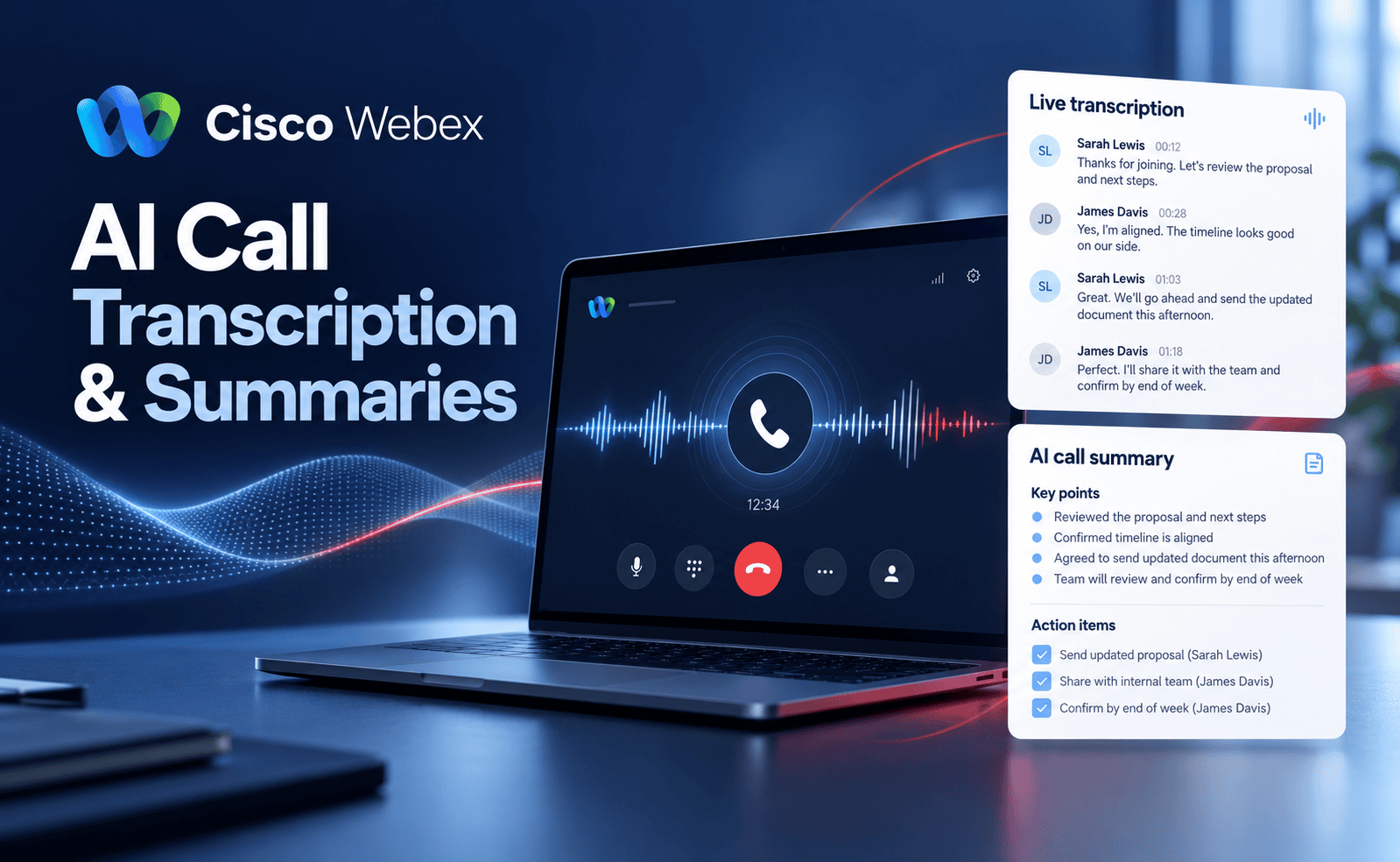
29 Oct Webex AI Meeting Notes & Summaries
Insights · Webex & Business Communications
Less note-taking. More meaningful meetings.
Webex AI meeting notes can help turn conversations into summaries and practical next steps. Here is what Cisco AI Assistant does, where it can help and what to check before introducing it to your business.
How often does a useful meeting end with another job: typing up notes, checking what was agreed and emailing everyone their next steps?
For smaller businesses, that work often falls to the same person who was leading the discussion. Salespeople are writing instead of listening. Project managers are checking details from memory. Actions get buried in notebooks.
Cisco AI Assistant in Webex can help reduce this administration. With supported features enabled, it can summarise meeting discussions and surface action items, giving your team a starting point for follow-up.
At Tetra Communications, part of Digital Office Group, we help businesses understand how communications technology fits into their working day. Here is a practical guide to AI meeting notes and the questions worth asking.
What Are Webex AI Meeting Notes?
Webex AI meeting notes use Cisco Webex AI Assistant to help organise information from meeting conversations. The output can include a summary, a transcript and action items, depending on the features available and the settings selected.
Meeting Transcripts vs AI Summaries: What Is the Difference?
- A transcript provides a detailed text record of the spoken discussion.
- An AI meeting summary condenses the discussion into an overview of the main points.
- Action items highlight tasks and next steps mentioned during the meeting.
A summary helps you find the essentials quickly. A transcript gives you more context when you need to check the detail. Both need human review where accuracy matters.
Cisco AI Assistant Features for Webex Meetings
AI-Generated Meeting Summaries
Instead of starting your follow-up with a blank page, you can use a generated summary to review the discussion. This can help when preparing internal updates, checking project progress or drafting a customer follow-up.
Catch-Up Summaries During a Meeting
If you join late or need to step away, supported catch-up tools can help you review what you missed while AI Assistant was active. You can catch up without interrupting everyone to ask for a recap.
Questions About the Meeting Discussion
Supported in-meeting tools let participants ask AI Assistant questions about the discussion. This can help you find a point that was mentioned earlier or clarify the actions discussed so far.
Action Items to Support Follow-Up
AI Assistant can surface action items mentioned in the conversation. Review these with your team, confirm the correct owner and deadline, then add them to your usual task management process.
Meeting Summaries Without a Video Recording
On the supported Webex Suite meeting platform, AI Assistant can generate summaries and transcripts without a video recording. Saving and access depend on administrator settings and meeting controls.
How AI Meeting Notes Can Benefit Your Business
Spend More Time Listening to Customers
During a sales or account review meeting, it is easy to miss a useful question while typing the previous answer. AI assistance can reduce that pressure and let you focus more attention on the person speaking.
Reduce Time Spent Writing Up Meetings
A generated summary gives you material to review and refine. The time saved depends on your meeting content and how much checking is needed, but starting with an organised draft can make follow-up easier.
Make Project Handovers Easier
A reviewed meeting record helps colleagues understand what was discussed and what happens next. This can be particularly useful for construction projects, multi-site businesses and teams coordinating suppliers or installations.
Keep Internal Teams Aligned
Management meetings and project reviews often cover several priorities. Clear summaries can help people revisit the discussion and update colleagues who could not attend, where sharing is permitted.
AI Meeting Notes in Practice: A Business Telephone Review
Imagine a customer meeting about replacing an ageing business telephone system. The discussion covers office users, remote staff, call routing and the preferred installation date.
What a Reviewed Meeting Note Might Capture
- Requirements: 18 office users and four remote workers.
- Current challenge: calls are difficult to transfer when staff work away from the office.
- Next step: prepare a proposal covering handsets, mobile access and call routing.
- Customer action: confirm the broadband contract end date.
Illustrative example only. AI output must be checked against the actual discussion.
The benefit is a clearer starting point for the proposal. The salesperson still needs to check the figures, confirm the requirements and make sure the follow-up reflects what the customer agreed.
Webex AI Licensing, Setup and CRM Integration
Before introducing AI notes, check what your existing Webex service supports and which features your team actually needs.
- Licensing: which meeting and AI capabilities are included in your package?
- Meeting platform: does your organisation use the supported Webex Suite meeting platform?
- Host controls: who can start or stop AI summaries?
- Saved content: will summaries and transcripts be retained, and who can access them?
- Language requirements: which spoken languages and translation features are needed?
- Integrations: does your CRM support the intended workflow, or is additional configuration required?
Are Webex Meeting Notes the Same as Call Transcription?
No. Online meeting AI and telephone-call AI are separate capabilities. If your goal is to transcribe or summarise customer phone calls, your Webex Calling service, recording arrangement and licences need a separate review.
Explore our Cisco Webex Business Communications solutions to see how calling, meetings and collaboration could fit your organisation. Tetra Communications and Digital Office Group can help you assess your requirements before choosing a solution.
AI Meeting Notes: Privacy, Access and Accuracy
Meeting discussions can contain customer details, financial information and confidential plans. Before enabling AI notes, decide what should be captured, who should receive it and how long it should be kept.
Participants should understand when AI is active, and the relevant consent controls should be followed. Review the settings for sharing and retaining content rather than assuming every meeting should create a permanent record.
Always Check Important Details Before Sharing
AI can misunderstand names, figures, technical terms and commitments. Check prices, responsibilities, deadlines and significant decisions before using a summary in a proposal or sending it to a customer.
For formal minutes or sensitive proceedings, establish the level of human verification and approval your organisation requires.
Webex AI Meeting Notes: Frequently Asked Questions
Can Webex take meeting notes automatically?
Cisco AI Assistant can generate meeting summaries when the relevant features are available and enabled. Automatic start behaviour depends on your configuration and meeting settings.
Do I need to record a meeting to get an AI summary?
Not always. Supported Webex meetings can generate summaries and transcripts without a video recording. Administrator and host settings determine what is saved and available afterwards.
Is AI meeting transcription included in every Webex licence?
Do not assume that every licence includes the same tools. Your Webex service, package and platform need checking against the features you want to use.
Can Webex send meeting notes to our CRM?
This depends on your CRM and the integration available. Check the exact workflow, permissions and any additional licences or development before relying on automatic transfer.
Can Webex AI notes help with in-person or hybrid meetings?
They may be suitable when the meeting uses a supported Webex setup and suitable room audio. Microphone quality, room layout and participants speaking over one another can affect the results.
Can AI replace a person taking formal minutes?
AI can assist with documentation, but formal minutes may still require a person to verify the record and approve the final wording. Follow your organisation’s requirements.
Explore Webex AI with Tetra and Digital Office Group
Want to see how AI meeting summaries could fit into your working day? Speak to Tetra Communications, part of Digital Office Group, about a Webex demonstration and a review of your requirements.
Contact Us to Arrange a Webex Demo Call 01530 414 409Based in Ashby-de-la-Zouch, supporting businesses across Leicester, Nottingham, Derby and the wider East Midlands, with support for organisations operating nationally.
Feature availability depends on your Webex service, licences, supported platform and administrator settings.