


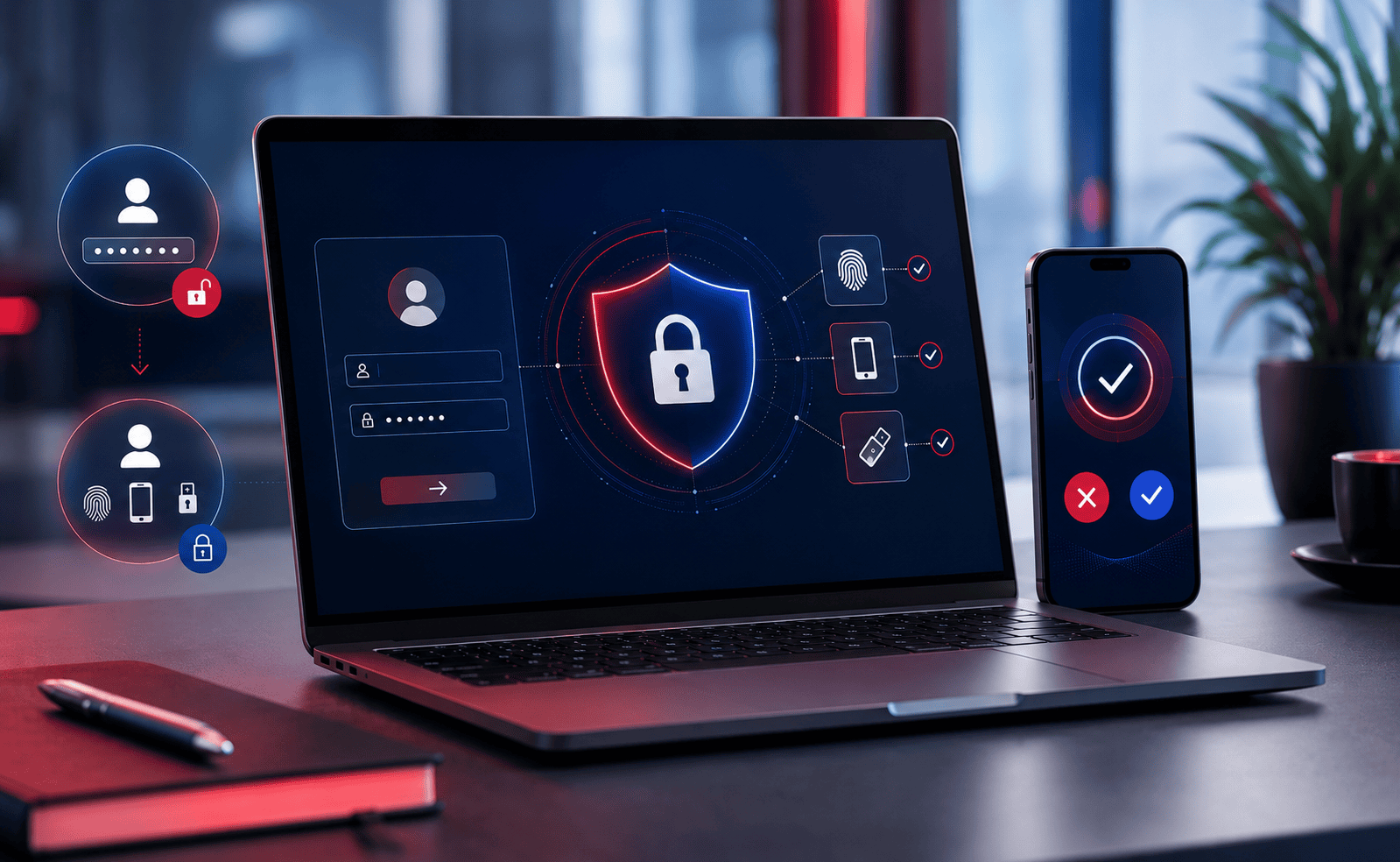
27 Aug MFA vs 2FA: What’s the Difference?
MFA vs 2FA: What’s the Difference for Small Businesses?
Multi-factor authentication and two-factor authentication are often used interchangeably, but they are not quite the same thing. For businesses using Microsoft 365, cloud applications and remote-working systems, understanding MFA vs 2FA is an important part of protecting company accounts.
For small and medium-sized businesses across Leicester, Derby, Nottingham, Loughborough, Coalville, Burton upon Trent and the wider East Midlands, account security is becoming increasingly important as more everyday business systems move into the cloud.
Digital Office Group helps organisations across the East Midlands improve Microsoft 365 security, user access, endpoint protection and wider cyber security as part of our business IT support services.
What Is 2FA?
Two-factor authentication, usually shortened to 2FA, means that a user must provide two different forms of verification before being granted access to an account or system.
A common Microsoft 365 example would be:
- Entering your email address and password
- Approving the login using Microsoft Authenticator on your phone
Even if a cyber criminal manages to obtain the password, they may still be unable to access the account without completing the second authentication step.
2FA always uses two different authentication factors.
What Is MFA?
Multi-factor authentication, commonly shortened to MFA, is the broader term.
MFA means that two or more different authentication factors are used to verify that the person attempting to sign in really is the authorised user.
These factors can include:
- A password
- A Microsoft Authenticator approval
- A one-time verification code
- A hardware security key
- A fingerprint
- Facial recognition
- A trusted device
- A passkey
2FA uses exactly two factors. MFA can use two or more factors. Therefore, 2FA is a type of MFA.
MFA vs 2FA: The Difference at a Glance
| Authentication Method | How It Works | Business Example |
|---|---|---|
| Password only | One method of authentication | User enters only their Microsoft 365 password |
| 2FA | Exactly two separate factors | Password plus Microsoft Authenticator |
| MFA | Two or more authentication factors | Password, trusted device and biometric authentication |
Why Are Passwords Alone No Longer Enough?
Passwords remain an important part of business security, but passwords can be stolen, guessed, reused or captured by attackers.
Some of the most common methods include:
- Phishing emails
- Fake Microsoft 365 login pages
- Credential stuffing
- Password reuse
- Weak passwords
- Malware
- Data breaches
- Social engineering
If an employee uses only a username and password, an attacker who obtains those credentials may be able to sign in immediately.
MFA introduces an additional barrier.
Even where the password is compromised, the attacker may still require access to another authentication factor.
Why Is MFA Particularly Important for Microsoft 365?
Microsoft 365 has become central to how many East Midlands businesses work.
One Microsoft account can potentially provide access to:
- Outlook email
- Microsoft Teams
- OneDrive
- SharePoint
- Company documents
- Contacts
- Calendars
- Cloud applications
- Administrative settings
That makes Microsoft 365 accounts valuable targets for attackers.
A compromised account can sometimes be used to read company email, access documents, impersonate employees or send fraudulent messages to customers and suppliers.
Businesses that want help reviewing their Microsoft environment can explore our Microsoft 365 services.
What Are the Different Authentication Factors?
Something You Know
This is information known by the user, such as a password or PIN.
Something You Have
This may include a smartphone, authenticator application, hardware security key or trusted device.
Something You Are
This refers to biometric authentication such as fingerprints or facial recognition.
Device or Security Context
Modern identity systems can also assess the device, location and conditions surrounding a login attempt.
Is Microsoft Authenticator MFA?
Microsoft Authenticator can be used as part of an MFA configuration.
For example, a user might enter their Microsoft 365 password before approving the sign-in through Microsoft Authenticator.
This means a stolen password alone may not be enough to access the account.
Is SMS 2FA Secure?
Receiving a verification code by SMS is generally stronger than using a password alone.
However, more secure authentication methods are available.
Authenticator applications, passkeys and hardware security keys can provide stronger protection against certain forms of account takeover and phishing.
The right approach depends on the organisation, its users and the systems being protected.
What Is MFA Fatigue?
MFA fatigue is an attack technique where a cyber criminal repeatedly attempts to log in using a compromised username and password.
This can generate repeated authentication prompts on the legitimate user's phone.
Eventually, the user may approve a request simply because they assume it is legitimate or want the notifications to stop.
Modern authentication methods such as number matching can help reduce this risk.
Does MFA Stop Every Cyber Attack?
No single security technology can stop every cyber attack.
MFA is extremely valuable, but it should form part of a layered cyber security strategy.
Businesses should also consider:
- Endpoint protection
- Email security
- Security updates and patch management
- Device monitoring
- Microsoft 365 backup
- User security awareness
- Conditional Access
- Secure administrator accounts
- Managed Detection and Response
For organisations wanting continuous endpoint monitoring and human-led investigation, Digital Office Group also provides 24/7 Managed Detection and Response.
What Is Conditional Access?
Conditional Access can add another layer of control to Microsoft 365 authentication.
Instead of treating every login attempt in the same way, policies can take account of conditions such as:
- The user's identity
- The device being used
- The location of the login
- The application being accessed
- Whether MFA has been completed
- The perceived level of risk
This allows businesses to apply stronger authentication rules where additional protection is required.
Should Every Employee Have MFA?
For most organisations, MFA should be enabled wherever practical across important business systems.
It is especially important for:
- Microsoft 365 accounts
- Administrator accounts
- Remote access
- VPN services
- Cloud applications
- Finance systems
- CRM systems
- Password managers
- Backup platforms
Administrative accounts deserve particularly strong protection because they can potentially provide access to users, security settings and wider business systems.
MFA for Small Businesses in the East Midlands
Cyber security is not only an issue for large national organisations.
Small businesses increasingly rely on Microsoft 365, cloud applications, mobile devices and remote working, which means identity security has become relevant to organisations of every size.
Digital Office Group supports businesses throughout Leicestershire, Derbyshire, Nottinghamshire and the wider East Midlands, including organisations in:
- Ashby-de-la-Zouch
- Leicester
- Loughborough
- Coalville
- Hinckley
- Derby
- Nottingham
- Burton upon Trent
- Swadlincote
- Melton Mowbray
Our local IT team can help businesses review how Microsoft 365 accounts, devices and users are currently secured.
If your organisation requires ongoing technical support as well as cyber security guidance, explore our IT support services.
MFA and Cyber Essentials
Authentication and user access are also important considerations for businesses working towards Cyber Essentials.
The certification process considers how users and administrators access systems and cloud services, alongside other technical controls such as firewalls, secure configuration, security updates and malware protection.
Organisations preparing for certification can use our cyber security consultancy services to review their wider security environment.
What Happens When an Employee Leaves?
MFA should also form part of a wider user access process.
When an employee leaves an organisation, businesses should normally review:
- Microsoft 365 access
- Email accounts
- Cloud applications
- Authentication devices
- Administrator privileges
- Company laptops
- Mobile devices
- Shared passwords
- Remote access
A structured joiner, mover and leaver process can help prevent old accounts or unnecessary permissions remaining active.
What Should a Small Business Check?
A basic Microsoft 365 security review should consider:
- Is MFA enabled for all users?
- Are administrator accounts protected?
- Are users using Microsoft Authenticator or another suitable method?
- Are legacy authentication methods still enabled?
- Are old accounts still active?
- Are administrator privileges restricted?
- Are devices receiving security updates?
- Is Microsoft 365 information backed up?
- Are suspicious logins being monitored?
- Are employees trained to recognise phishing attempts?
MFA vs 2FA: Which Should Your Business Use?
For most businesses, the terminology is less important than the strength of the authentication method being deployed.
Rather than simply asking whether the business has MFA, it is worth asking:
- Which systems have MFA enabled?
- Which authentication methods are being used?
- Are administrator accounts protected differently?
- Are policies enforced consistently?
- Can users bypass MFA?
- Are old authentication methods still permitted?
- What happens when a suspicious sign-in occurs?
The objective should be strong, practical identity security that protects employees without creating unnecessary complexity.
Related IT and Cyber Security Services
If you are reviewing Microsoft 365 or wider business security, these services may also be useful:
How Digital Office Group Can Help
Digital Office Group supports organisations across the East Midlands and throughout the UK with managed IT, Microsoft 365 and cyber security.
We can review how your employees currently access Microsoft 365 and other cloud systems and help identify weaknesses in authentication, administrator permissions and account security.
Our services can include:
- MFA configuration
- Microsoft Authenticator setup
- Microsoft 365 security reviews
- Conditional Access
- Microsoft Entra ID configuration
- Administrator account reviews
- Endpoint security
- 24/7 Managed Detection and Response
- Patch management
- Microsoft 365 backup
- Cyber Essentials preparation
- Ongoing business IT support
Frequently Asked Questions About MFA and 2FA
Is MFA the same as 2FA?
Not exactly. 2FA specifically uses two authentication factors, while MFA refers to the use of two or more factors. 2FA is therefore a form of MFA.
Is Microsoft Authenticator MFA?
Microsoft Authenticator can be used as one of the authentication factors in a Microsoft 365 MFA configuration.
Do small businesses need MFA?
Businesses of every size can benefit from MFA because it reduces reliance on passwords alone. It is particularly valuable for Microsoft 365, email, cloud applications and administrator accounts.
Should administrator accounts use MFA?
Yes. Administrator accounts can provide significant access to company systems and should generally receive strong authentication protection.
Can MFA stop phishing?
MFA can significantly reduce the risk created by stolen passwords, but it does not stop every type of phishing or account attack. It should operate alongside wider security controls.
Is SMS authentication secure enough?
SMS verification is generally stronger than password-only authentication, although authenticator applications, passkeys and security keys can offer stronger protection in certain situations.
Can Digital Office Group set up MFA for Microsoft 365?
Yes. Digital Office Group can review your Microsoft 365 environment, configure appropriate authentication policies and support users with Microsoft Authenticator and wider account security.
Do you provide Microsoft 365 support in Leicester, Derby and Nottingham?
Yes. Digital Office Group supports organisations across Leicester, Leicestershire, Derby, Derbyshire, Nottingham, Nottinghamshire and the wider East Midlands, as well as customers throughout the UK.
Is Your Microsoft 365 Environment Properly Protected?
If your business still relies heavily on passwords alone, or you are unsure whether MFA is configured correctly, Digital Office Group can review your Microsoft 365 security and recommend practical improvements.
Book an IT & Cyber Security Review