


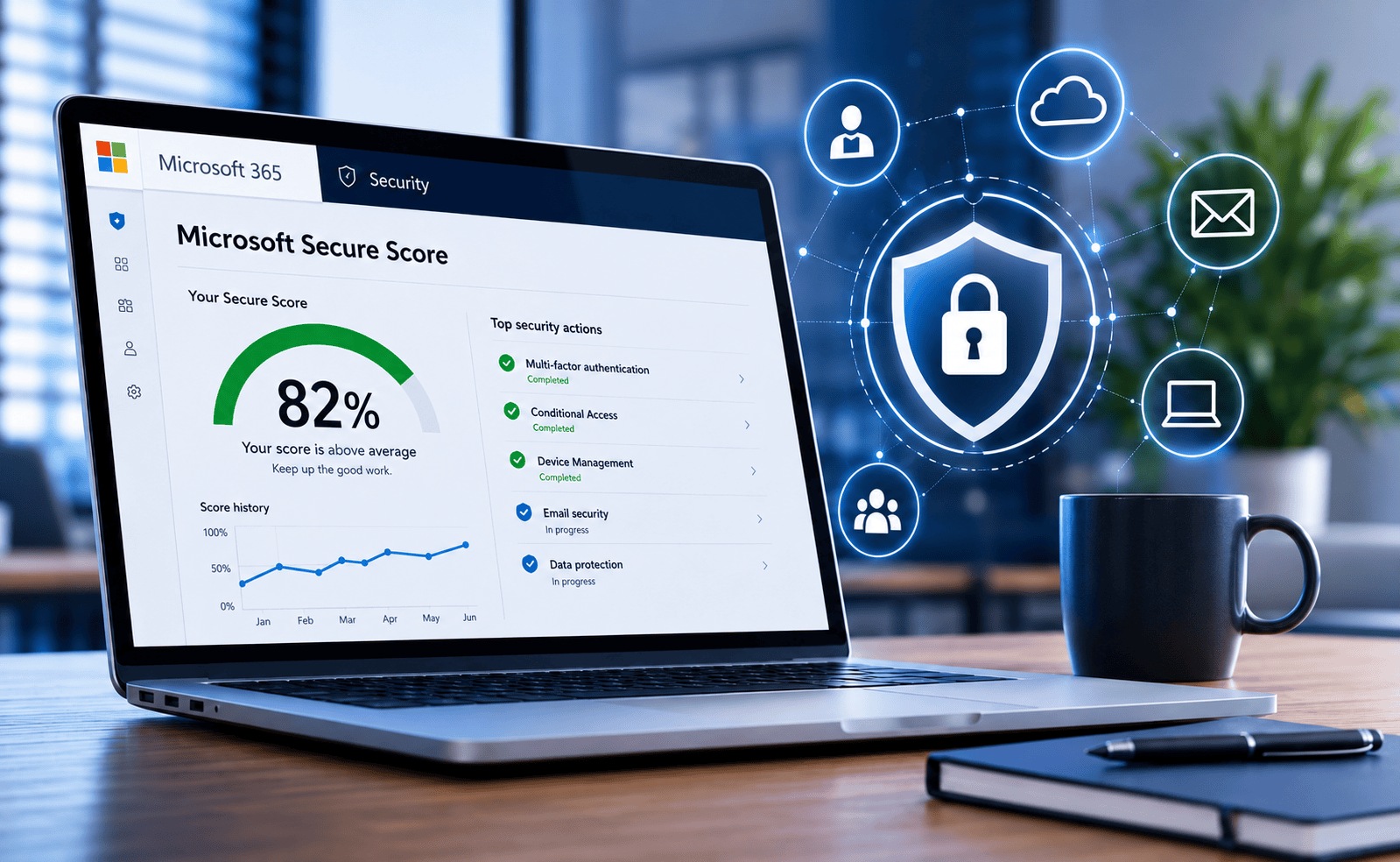
10 Aug Microsoft Secure Score: What Is a Good Score for a UK Business?
Microsoft 365 contains a significant amount of security capability, but simply having a Microsoft 365 licence does not mean every available security control has been configured correctly. Microsoft Secure Score provides businesses with a practical way of measuring their Microsoft security posture, identifying areas for improvement and tracking progress over time.
One of the questions we are increasingly asked by businesses and IT managers is simple: what is actually considered a good Microsoft Secure Score?
There is no single Microsoft-approved percentage that every organisation must achieve. A higher Secure Score generally indicates that more of Microsoft's recommended security improvements have been implemented, but the right target depends on your organisation, licensing, users, devices, applications and operational requirements.
What is Microsoft Secure Score?
Microsoft Secure Score is Microsoft's measurement of an organisation's security posture across its Microsoft environment.
It analyses the security controls available within your environment and awards points where recommended security actions have been implemented.
Depending on the Microsoft services and licences being used, recommendations can relate to areas including:
- User identities and Microsoft Entra ID
- Multi-factor authentication
- Administrator accounts and privileged access
- Microsoft Defender security controls
- Devices and endpoint security
- Applications and cloud services
- Email and collaboration security
- Data protection
- Security policies and configuration
The score gives IT teams and business owners a visible way to identify potential weaknesses and prioritise security improvements.
What is a good Microsoft Secure Score?
Microsoft does not set a universal pass or fail percentage for Secure Score.
This is important because two businesses with apparently similar scores may have very different security risks.
For example, one organisation may have implemented strong identity security, multi-factor authentication and Conditional Access but have outstanding recommendations relating to less critical functionality.
Another organisation could have a similar overall percentage while still having weaknesses around administrator accounts, legacy authentication or external access.
As a practical guide, businesses could think about their Microsoft Secure Score in the following way:
Below 40%
There may be a significant number of security recommendations that should be investigated and prioritised.
40–60%
A reasonable starting position, but there are likely to be worthwhile security improvements available.
60–80%
A stronger position, provided the most important identity, endpoint and access controls have been addressed.
80%+
A strong practical target for many organisations, although the individual recommendations should still be reviewed regularly.
These figures should be treated as practical guidance rather than an official Microsoft grading system.
The objective should not necessarily be to reach 100%. Some recommended actions may not be suitable for every business, while others may depend on Microsoft licensing or operational requirements.
Why 100% is not always the right objective
It can be tempting to view Microsoft Secure Score like an examination and aim for 100%, but security is more complicated than simply maximising a percentage.
Some recommendations can affect how employees work. Others may require additional licences, changes to authentication processes or configuration changes that need to be tested before deployment.
A responsible Microsoft 365 security review should therefore consider three things:
- Risk: what security issue does the recommendation address?
- Impact: what effect will implementing it have on users and business processes?
- Priority: are there more significant risks that should be addressed first?
Secure Score should therefore form part of a wider Microsoft 365 security strategy rather than becoming the only measure of whether an organisation is secure.
Which Microsoft 365 security controls should businesses prioritise?
Every environment is different, but there are several areas we would expect most organisations to examine closely when reviewing Microsoft 365 security.
1. Multi-factor authentication
Passwords alone should not be relied upon to protect Microsoft 365 accounts.
Multi-factor authentication adds another layer of verification and can significantly reduce the likelihood of an attacker gaining access simply because a password has been stolen or compromised.
2. Conditional Access
Conditional Access allows organisations to decide when, where and under what conditions users can access Microsoft 365 services.
Policies can take into account factors such as users, devices, applications, authentication strength and location.
For example, a user who only ever needs to access company systems from managed devices may not need unrestricted access from unknown devices or locations.
3. Administrator access
Administrator accounts deserve particular attention because compromised privileged credentials can potentially give an attacker access to large areas of the Microsoft environment.
Businesses should regularly review:
- How many Global Administrators exist
- Who genuinely needs administrator rights
- Whether administrator accounts are protected with strong authentication
- Whether privileged accounts are being used for normal everyday activities
- Whether former employees or suppliers still retain access
4. Legacy authentication
Older authentication methods can undermine newer security controls and should be reviewed carefully.
Where legacy applications or protocols are still required, businesses should understand why they remain in use and what additional controls are required around them.
5. Devices accessing Microsoft 365
Microsoft 365 security does not stop at the user account.
Businesses should also consider the condition of the laptops, desktops and mobile devices being used to access company information.
Endpoint protection, device management, security updates, encryption and access policies can all form part of reducing this risk.
Secure Score is not the same as being secure
This is perhaps the most important point.
A high Microsoft Secure Score does not mean an organisation cannot suffer a cyber attack.
Likewise, a lower score does not automatically mean a business has poor security.
Secure Score measures alignment with Microsoft's recommended security actions. It does not assess every possible cyber risk facing a business.
A wider cyber security strategy should also consider areas such as:
- Endpoint Detection and Response (EDR)
- 24/7 Managed Detection and Response (MDR)
- Email security
- Firewalls and network security
- Microsoft 365 backup
- Business continuity and disaster recovery
- Security awareness
- Password and identity management
- Third-party and supplier access
- Cyber Essentials requirements
You can read more about our wider approach to business cyber security or explore our 24/7 Managed Detection and Response services.
How do you check your Microsoft Secure Score?
Authorised Microsoft 365 administrators can review Secure Score through Microsoft's security portals.
The dashboard provides an overall percentage together with recommended improvement actions and information about the potential score improvement available from completing them.
Businesses should avoid simply working down the list in order.
Instead, review the recommendations based on business risk and prioritise controls that protect identities, administrator accounts, email, devices and sensitive business information.
Why has my Microsoft Secure Score changed?
Secure Score can move even when you have not deliberately changed your Microsoft 365 configuration.
Microsoft continually develops its security products and recommendations, while your own environment also changes as users, devices, applications and licences are added or removed.
For this reason, Secure Score should be reviewed regularly rather than treated as a one-off exercise.
Can changing Microsoft 365 licences improve Secure Score?
Potentially, but businesses should not buy additional Microsoft licences purely to increase a score.
Different Microsoft 365 licence combinations provide access to different identity, endpoint, compliance and security capabilities.
The better question is therefore:
We regularly find organisations with a mixture of licences accumulated over several years. Some users may have functionality they never use, while important security features available elsewhere in the Microsoft portfolio have not been configured.
A Microsoft 365 Licensing Assessment can help identify what licences are currently assigned, what functionality is being used and whether there are opportunities to improve security or reduce unnecessary licence costs.
Should your IT provider monitor Microsoft Secure Score?
If your Microsoft 365 environment is managed by an internal IT team or outsourced IT provider, Secure Score should ideally form part of an ongoing security review rather than being checked only after an incident.
A useful review should look beyond the percentage and investigate questions such as:
- Why are particular recommendations outstanding?
- Which accounts have privileged access?
- Is multi-factor authentication correctly enforced?
- Are Conditional Access policies appropriate?
- Are old or unused accounts still active?
- Are external users and third parties regularly reviewed?
- Are Microsoft 365 licences being used effectively?
- Are endpoint, email and identity controls working together?
For organisations without a dedicated internal IT team, a structured review can provide a useful independent view of how the Microsoft 365 tenant has evolved and where improvements can be made.
Digital Office Group provides managed IT services alongside Microsoft 365 management, cyber security, endpoint protection and ongoing technical support.
Microsoft Secure Score FAQs
Is an 80% Microsoft Secure Score good?
An 80%+ Secure Score can be considered a strong practical position for many organisations, but Microsoft does not publish 80% as an official pass mark. The individual security controls implemented are more important than the percentage alone.
Is a 100% Microsoft Secure Score possible?
It can be possible in some environments, but reaching 100% should not automatically be the objective. Some recommendations may not be appropriate for a particular organisation or could require additional licensing and operational changes.
Does Microsoft Secure Score protect against phishing?
Secure Score can recommend controls that reduce the risk associated with compromised accounts and malicious messages, but Secure Score itself is not an anti-phishing product.
Does Microsoft Secure Score cost extra?
Secure Score is available within Microsoft's security environment, although the ability to implement particular recommended security controls can depend on the Microsoft licences your organisation holds.
How often should Microsoft Secure Score be reviewed?
For most organisations, it is sensible to review Secure Score regularly and whenever significant changes are made to users, licences, devices or Microsoft 365 security policies.
Can Digital Office Group review our Microsoft Secure Score?
Yes. Digital Office Group can review your Microsoft 365 environment as part of a wider tenant, licensing and security assessment, helping identify configuration risks, unused licences and opportunities to strengthen your Microsoft 365 setup.
How secure is your Microsoft 365 environment?
Your Secure Score is a useful starting point, but the number alone does not tell the whole story. Digital Office Group can review your Microsoft 365 tenant, licences, administrator access and security configuration and provide practical recommendations based on your organisation.
Book a Microsoft 365 Licensing & Security Assessment