


Xerox® Workflow Central Platform
in SolutionsDigital Office Systems
Monday to Friday 9:00 - 5:00

Automate your documents, simplify your day
Designed for hybrid work environments, Xerox® Workflow Central helps businesses of all sizes to save time on document-related tasks such as conversion, translation, summarisation, securing files…
No more juggling multiple software or platforms. With Xerox® Workflow Central, all your document processes are centralised in one secure, always-accessible space.
Why choose Xerox® Workflow Central?
Transform your documents faster, without technical complexity or hardware constraints.
- 100% cloud-based: accessible anywhere, anytime.
- Intuitive interface: no technical skills required.
- Built-in security: confidential data handling.
- Fully compatible: works with PC, Mac, smartphones, and connected Xerox printers.
- Instant time savings: automate, simplify, move faster.
- Seamless team collaboration: work together without bottlenecks or duplication.
Powerful features for everyday efficiency
Do more, faster, with smart, ready-to-use tools:

Protect: stay in control of sensitive documents, even after sharing, by securing information exchanges.

Handwriting to text: convert handwritten notes into typed text to share and use them more easily.

Summarise: automatically generate concise summaries to quickly grasp the key points and support faster decision-making.
Redact: use AI to automatically remove sensitive data from documents, ensuring secure and error-free sharing.
Convert to PDF: view and archive files efficiently to save time and locate documents easily.

Translate: instantly translate your documents into over 40 languages while preserving the original layout.

Convert to audio: turn documents into audio files to listen on the go and boost productivity.
Merge: combine up to five files of different formats into a single document to work more efficiently.

Convert to MS Office formats: transform files into editable Microsoft Office documents to eliminate retyping and work faster.
How does it work?
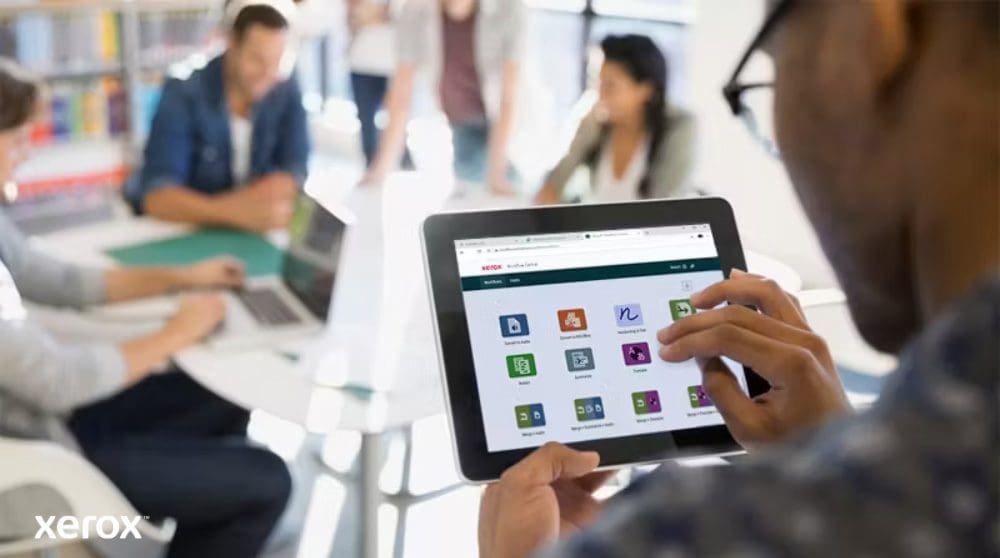
- Log in from your device web browser or Xerox multifunction printer via the ConnectKey® app.
- Select a physical or digital file.
- Define the input path (scan, upload, extract from cloud repository, drag & drop, or capture).
- Set the workflow (translate, convert, secure, etc).
- Choose the output (email, download, print, cloud, etc).
Compatibility and integration
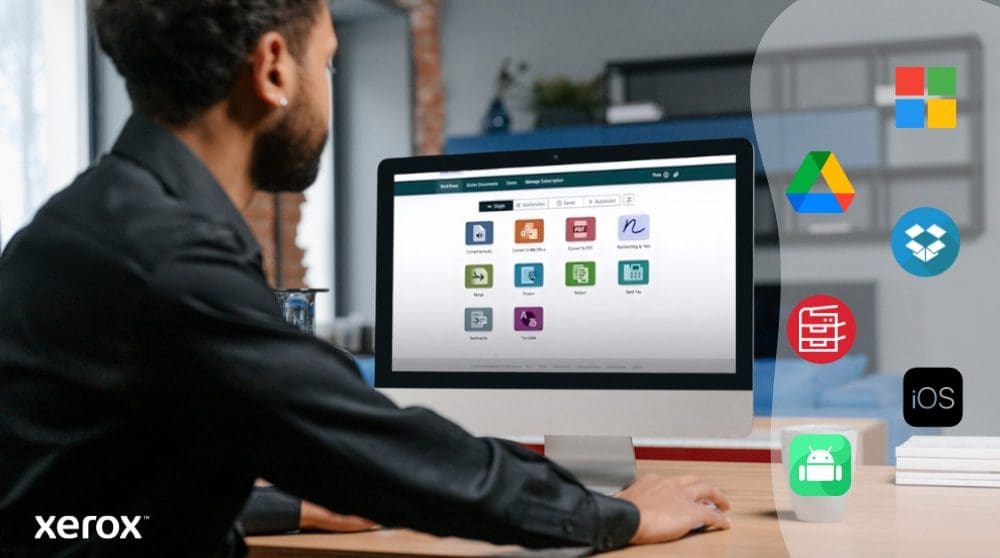
Compatible with major business environments:
- Microsoft 365 / OneDrive
- Google Drive, Dropbox, Box
- Xerox DocuShare Go
- Xerox AltaLink® and VersaLink® printers
- Microsoft® Edge version 79 or higher, Google Chrome version 60.0 or higher, Safari Mobile 12.0, Firefox version 88 or higher


