


Document Scanning & Digital Storage
in ServicesDigital Office Systems
Monday to Friday 9:00 - 5:00
Document Scanning and Digital Archiving Services
Transform physical records into secure, organised and searchable digital files with professional document scanning and archiving services from Digital Office Group.
We support everyday business records, high-volume scanning projects, historical archives, microfilm, microfiche, aperture cards and specialist documents.
Request a Scanning Project ReviewTurn Paper Records into Searchable Digital Information
Paper records can occupy valuable office space, become difficult to locate and remain vulnerable to loss, damage and deterioration.
Our document scanning service converts physical information into structured digital files that can be searched, shared, backed up and accessed by authorised employees.
Files can be delivered securely or integrated into platforms such as Microsoft SharePoint, cloud storage or your preferred on-premise document system.

Our scanning services can include:
- High-volume document scanning
- Bulk archive digitisation
- OCR text recognition
- Document indexing
- Searchable PDF creation
- A3 and oversized document scanning
- Fragile document handling
- Microfilm conversion
- Microfiche scanning
- Aperture card conversion
- Quality assurance checks
- Secure digital delivery
Scanning Solutions Built Around Your Records
Every scanning project is different. The document type, quantity, condition, required file format and indexing structure can all affect the process.
We assess your records before recommending a suitable workflow for preparation, scanning, OCR, validation and delivery.
Digital files can also be linked with our Microsoft 365 and SharePoint services to help your employees access information securely.
Document Scanning and Archiving Options
From routine office records to large historical collections, we provide flexible scanning solutions for different document types.
Bulk Document Scanning
Convert boxes, cabinets or entire departments of paperwork into structured digital files.
Archive Digitisation
Preserve historical, legal, operational and administrative archives in accessible digital formats.
OCR Processing
Recognise printed text and create searchable documents rather than image-only scans.
Microfilm and Microfiche
Convert legacy film-based records into digital images that are easier to locate and access.
Aperture Card Scanning
Digitise engineering drawings and technical records stored on aperture cards.
Digital Storage and Delivery
Deliver files securely or organise them for cloud, SharePoint or on-premise storage.
High-Volume and Bulk Document Scanning
Large scanning projects require careful planning, document preparation and consistent quality control.
We can process records from a single department or support a wider business transformation involving filing cabinets, archive rooms and off-site storage.
Documents can be scanned to agreed resolutions, file formats and folder structures, with OCR and indexing applied where required.
- High-speed batch scanning
- Single-page or multi-page PDF files
- Colour, greyscale or monochrome scanning
- Double-sided document capture
- Blank-page removal
- Image rotation and deskewing
- Document separation
- Custom naming conventions

Scanning is more than taking a digital photograph
A useful digital archive needs accurate document separation, naming, indexing, quality checks and an appropriate storage structure.
Without these steps, scanned files can become almost as difficult to locate as the original paperwork.
Planning a Large Scanning Project
Before work begins, we review document volumes, formats, condition, sensitivity and retrieval requirements.
We also agree how the files should be named, indexed, structured and delivered.
This planning stage helps ensure the completed archive supports the way your organisation searches for and uses information.
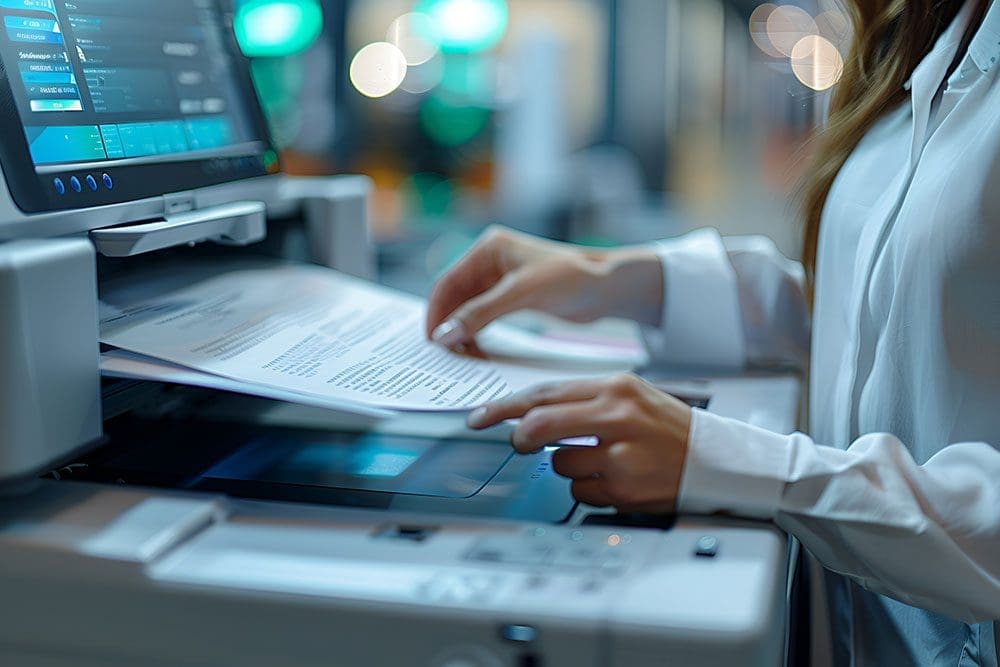
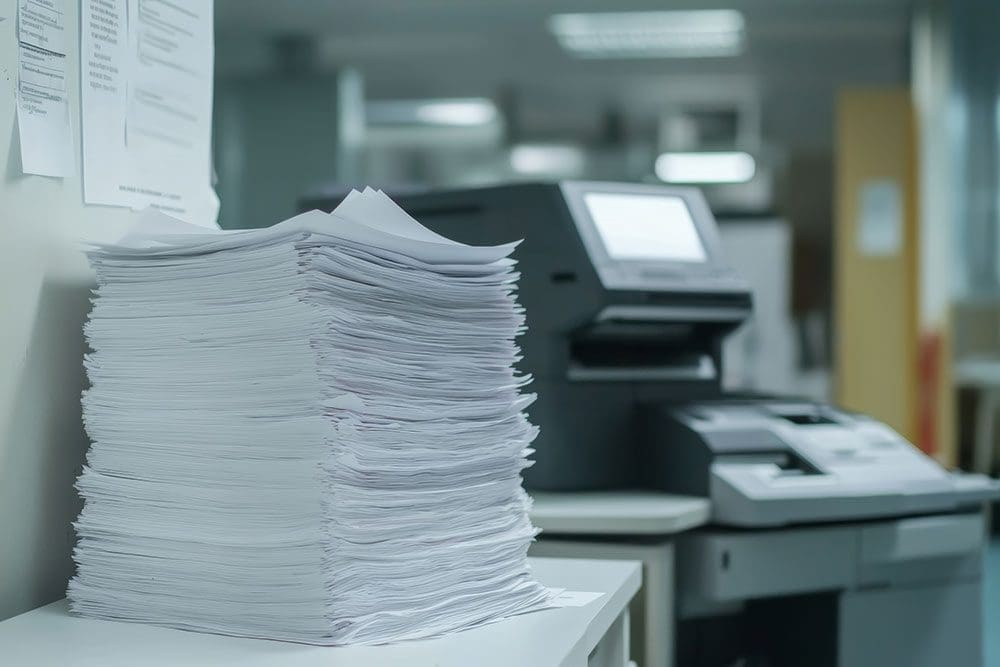
Archive Scanning and Document Digitisation
Archive digitisation helps organisations preserve important records while improving the speed and convenience of access.
We can scan everyday business files, long-term records and specialist historical collections.
Digitised files can be organised by employee, customer, case, project, property, date, document type or another structure relevant to your organisation.
- Historical business archives
- Personnel and HR records
- Legal and case files
- Property and construction documents
- Engineering drawings
- Financial records
- Healthcare documentation
- Education and student records
Benefits of Document Scanning and Digital Archiving
Free Up Office Space
Reduce the amount of space occupied by filing cabinets, storage rooms and archive boxes.
Find Documents Faster
Search by file name, index information or recognised document text.
Support Remote Access
Allow authorised employees to access records without being physically near the original files.
Protect Fragile Records
Reduce repeated handling of old, delicate or irreplaceable originals.
Improve Collaboration
Share authorised documents more quickly between employees, departments and locations.
Create Digital Backups
Maintain copies of important records to reduce dependence on a single physical original.
Improve Workflows
Connect digital documents with approval, review and record-management processes.
Support Retention Reviews
Organise records more clearly so retention periods and disposal decisions can be managed.
Reduce Physical Document Storage
Paper records can consume expensive office and warehouse space while still remaining difficult to search.
Converting suitable records into digital files can reduce your dependence on cabinets and archive boxes.
Physical originals can then be retained, returned or securely destroyed according to your legal, operational and retention requirements.
Common reasons to digitise records:
- Office relocation
- Storage-space reduction
- Department consolidation
- Remote and hybrid working
- Business acquisition
- Historic archive preservation
- Document-management projects
- Disaster-recovery planning

Create a Searchable Digital Archive
A digital archive can provide faster access to information than manually searching through boxes or filing cabinets.
Documents can be organised into folders and indexed using relevant information such as names, dates, reference numbers and document types.
OCR can also recognise printed text within suitable documents, allowing users to search for words and phrases contained inside the files.
- Access files from authorised locations
- Search by file name and index fields
- Search recognised document text
- Reduce manual document retrieval
- Share information securely
- Back up important records
- Integrate with modern workflows
- Apply structured permissions
OCR and Searchable Document Scanning
Optical character recognition, commonly known as OCR, identifies printed characters within scanned document images.
This can turn image-only pages into files whose text can be searched, copied or indexed.
OCR accuracy depends on the condition, clarity, layout and typography of the original document.
OCR is not the same as manual data validation
OCR can significantly improve document searchability, but poor originals, handwriting and complex layouts may require additional checking.
Important index fields can be independently validated where the project requires a higher level of accuracy.
How Documents Can Be Indexed
OCR Recognition
Extract printed text and selected values from suitable document layouts.
Manual Data Entry
Enter important reference information that cannot be reliably recognised automatically.
Barcode Recognition
Use existing or inserted barcodes to separate and classify documents.
Database Lookup
Match recognised references with information held in an agreed database or file list.
Specialist media can include:
- Microfilm reels
- Microfiche sheets
- Aperture cards
- Engineering drawings
- A3 documents
- Oversized plans
- Fragile historical documents
- Bound records
- Photographic archives
- Mixed-format collections
Microfilm, Microfiche and Aperture Card Conversion
Many organisations still hold important records on legacy archive media that requires specialist equipment to access.
We can convert suitable microfilm, microfiche and aperture-card collections into modern digital files.
The resulting images can be indexed and organised to make technical, historic or administrative records easier to retrieve.
Fragile documents require specialist handling
Old paper, damaged records and bound material may not be suitable for standard high-speed document feeders.
The scanning method should protect the original while still producing a clear digital image.
Scanning Fragile and Historic Documents
Historical records may be faded, torn, tightly bound or vulnerable to damage from repeated handling.
We can assess the condition of the archive and select an appropriate preparation and capture process.
Digital copies can reduce future handling while improving access for authorised users.
Our Document Scanning Process
Each project is planned around the records, required outputs and information-security requirements of the organisation.

1. Collection
Boxes, files and archive media are securely collected or transferred to the agreed scanning location.
2. Preparation
Documents are sorted, fasteners removed and pages prepared for safe and accurate scanning.

3. Scanning
Specialist scanners capture the documents using agreed image-quality and file-format settings.

4. Delivery
Files are indexed, checked and securely delivered or uploaded to the selected storage platform.
Detailed Scanning Workflow
Project Assessment
We review quantities, formats, condition, security requirements and desired digital outputs.
Secure Collection
Records are collected or transferred according to the agreed project and chain-of-custody arrangements.
Document Preparation
Staples, clips and bindings are removed where appropriate and pages are organised for scanning.
Image Capture
Documents are scanned using equipment suited to their size, condition and required quality.
Indexing and OCR
Files are named, classified and made searchable using agreed index fields and OCR.
Quality Assurance
Digital images and important indexing information are checked against agreed standards.
Quality Assurance and Validation
A large scanning project can contain thousands or millions of pages, so consistent checking is essential.
Quality assurance can confirm that images are readable, correctly oriented, appropriately separated and delivered in the required format.
Important indexing data can also be validated separately from the initial recognition or entry process.
Quality checks can include:
- Page-count checks
- Image clarity
- Correct page orientation
- Blank-page removal
- Document separation
- File naming
- Folder structure
- Index-field validation
- OCR output checks
- Delivery-file testing
Access permissions should be planned before delivery
Digital files may contain confidential employee, customer, financial or operational information.
Storage locations and user permissions should reflect the sensitivity and purpose of the records.
Secure Digital Storage and Access
Once documents have been scanned, they can be delivered to an agreed storage platform.
Options may include encrypted media, secure file transfer, Microsoft SharePoint, cloud document storage or an existing on-premise system.
We can help organise folder structures and access arrangements around departments, users and document categories.
Digital Delivery Options
| Delivery Method | How It Works | Typical Benefits | Suitable For |
|---|---|---|---|
| Encrypted digital media | Files are supplied on approved encrypted storage | Suitable for large one-off data transfers | Projects where files will be imported internally |
| Secure file transfer | Files are delivered electronically through an agreed secure platform | Faster delivery without physical media | Smaller or staged scanning projects |
| Microsoft SharePoint | Files are organised within a Microsoft 365 document environment | Permissions, sharing, versioning and search | Businesses already using Microsoft 365 |
| On-premise storage | Files are imported into servers or document systems managed by the organisation | Local control and integration with existing infrastructure | Organisations with internal storage platforms |
What Happens to the Original Documents?
The treatment of original records should be agreed before the project begins.
Depending on your requirements, documents can be returned, retained temporarily or securely destroyed after an agreed approval period.
Records should not be destroyed where legal, regulatory, contractual or operational requirements demand that originals are retained.
Original-document options can include:
- Return in the original boxes
- Return in reorganised files
- Temporary retention after scanning
- Secure destruction after approval
- Retention of selected originals only
- Reboxing and relabelling
- Transfer to another storage location
- Documented disposal confirmation
Project information to consider:
- Number of boxes or files
- Estimated number of pages
- Document sizes
- Single or double-sided pages
- Colour requirements
- Document condition
- Required file format
- Indexing requirements
- Required completion date
- Storage and delivery platform
What Affects the Cost of Document Scanning?
Scanning costs depend on more than the number of boxes being collected.
Page volumes, preparation time, document condition, colour requirements, OCR, indexing and delivery arrangements can all affect the project.
A sample scan or initial site assessment can help establish the document volumes and likely processing requirements.
Who Uses Document Scanning Services?
Legal and Professional Services
Case files, client records, correspondence and long-term archive material.
Property and Construction
Plans, project records, property files, surveys and technical documentation.
Healthcare and Care
Administrative records and sensitive files handled under agreed security procedures.
Education
Student records, personnel files, historical archives and administrative documentation.
Manufacturing and Engineering
Drawings, aperture cards, job files, quality records and technical documentation.
Finance and Accounting
Invoices, statements, client records and financial archive material.
Charities
Service-user records, governance files, fundraising information and historic archives.
Public and Membership Bodies
Long-term records, applications, correspondence and administrative information.
Why Choose Digital Office Group?
Digital Office Group helps organisations improve the way information is captured, stored and accessed.
Our experience spans office print, scanning, Microsoft 365, managed IT and wider document workflows.
This allows us to consider the full journey from physical paper to secure digital storage rather than treating scanning as an isolated task.
Why work with us?
- Family-owned and established in 1994
- High-volume scanning capability
- OCR and indexing options
- Specialist archive-media conversion
- Quality assurance processes
- Secure project planning
- Flexible digital delivery
- SharePoint and Microsoft 365 expertise
- On-premise storage support
- One supplier for wider workplace technology
Document Scanning and Archiving FAQs
What is document scanning?
Document scanning is the process of converting paper records and other physical media into digital image files.
What is bulk document scanning?
Bulk scanning involves digitising large volumes of documents, often from archive boxes, filing cabinets or entire departments.
Can scanned documents be made searchable?
Yes. OCR can recognise suitable printed text and create searchable PDF files or searchable archive data.
Can you scan A3 documents and large drawings?
Yes. Suitable A3, oversized and technical documents can be scanned using appropriate equipment.
Can you scan fragile historical documents?
Yes. Fragile and historic records can be assessed and scanned using methods designed to minimise handling and damage.
Can you convert microfilm and microfiche?
Yes. Suitable microfilm and microfiche collections can be converted into modern digital files.
Can you scan aperture cards?
Yes. Aperture cards containing technical drawings and engineering information can be digitised.
Which file formats can you provide?
Common outputs include PDF, searchable PDF, TIFF and image formats. The appropriate option depends on the project and destination system.
Can files be uploaded to SharePoint?
Yes. Files can be prepared for Microsoft SharePoint or another agreed cloud or on-premise storage platform.
How are documents indexed?
Indexing can use OCR, manual data entry, barcode recognition, database matching or a combination of these methods.
What happens to our original documents?
Originals can be returned, retained temporarily or securely destroyed after approval, depending on the project requirements.
How much does document scanning cost?
Pricing depends on volumes, document condition, preparation, scanning settings, OCR, indexing, quality checks and delivery requirements.
Ready to Digitise Your Paper Records?
Arrange a document scanning review with Digital Office Group. We will assess your archive, document volumes, indexing requirements and preferred storage platform before recommending a suitable digitisation process.
Request a Scanning Project Review Call 01530 414 409